
Use cases · Industrial control

When a process drifts, the line stops itself and the shift knows why.

A plant line and the pumps behind it. Each value is read against its limits; a rule acts on site through the line's HMI, the operator's screen on the line, or through the pump's controller; and the shift hears why, with every stop on record.

Readings on this page are sample data.

The operation

Four steps from a reading to a stopped line.

Each step has its part, and all four write to the same record.

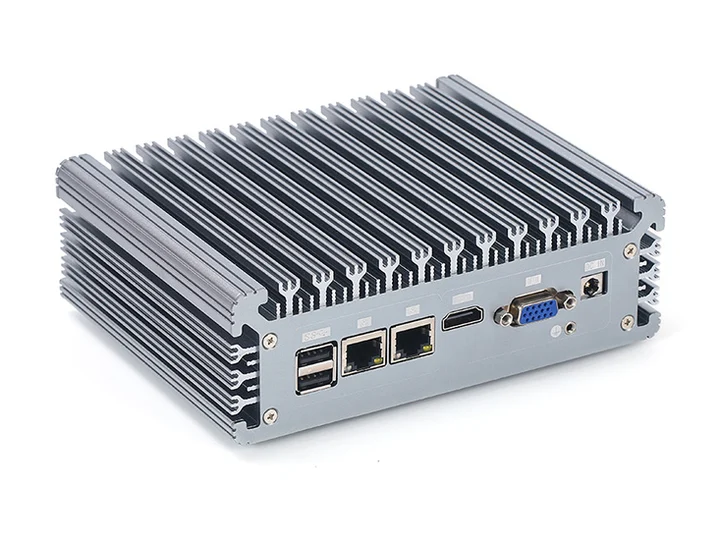
  1. The OneIoT Edge box.

    Sense

    OneIoT Edge

    Line status and process values from the HMI; pumps, tanks and meters over Modbus and 4–20 mA.

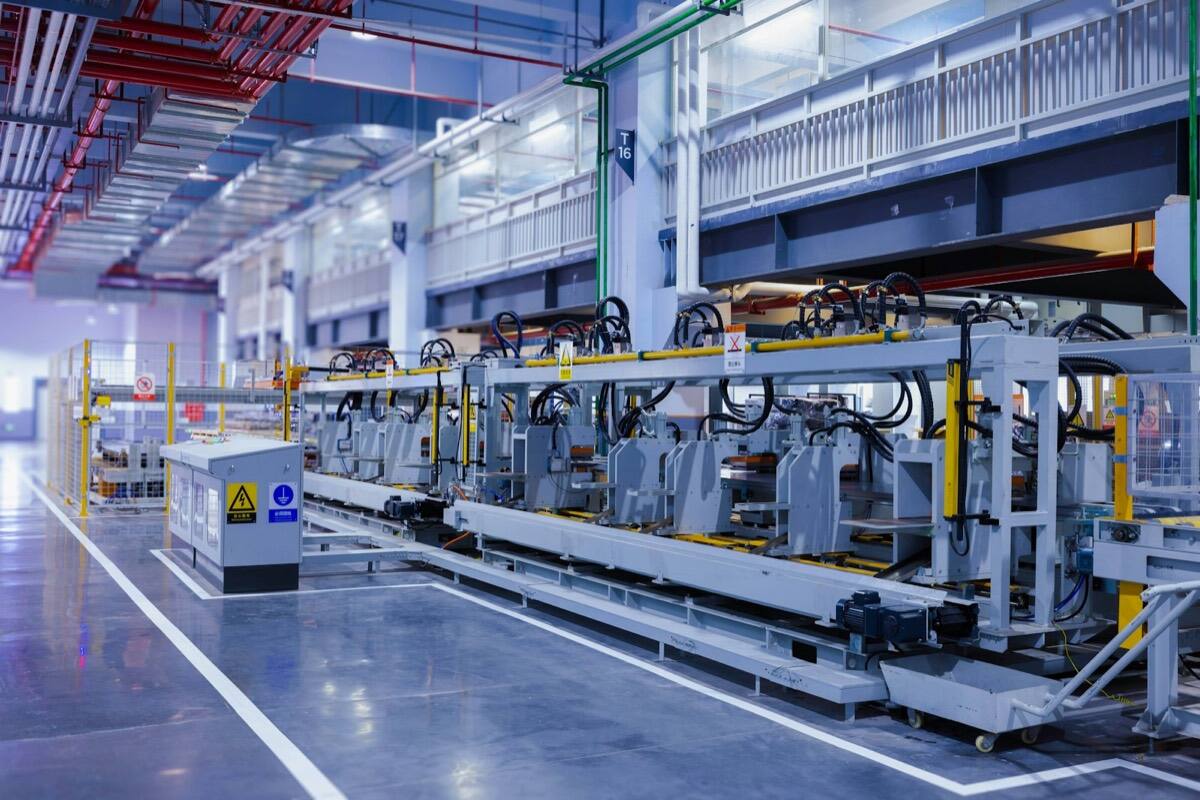
  2. A production line on a factory floor, a control cabinet beside it.

    Decide

    Rules & workflows

    A value past its limit for the time you set. A blip that clears on its own is not a stop.

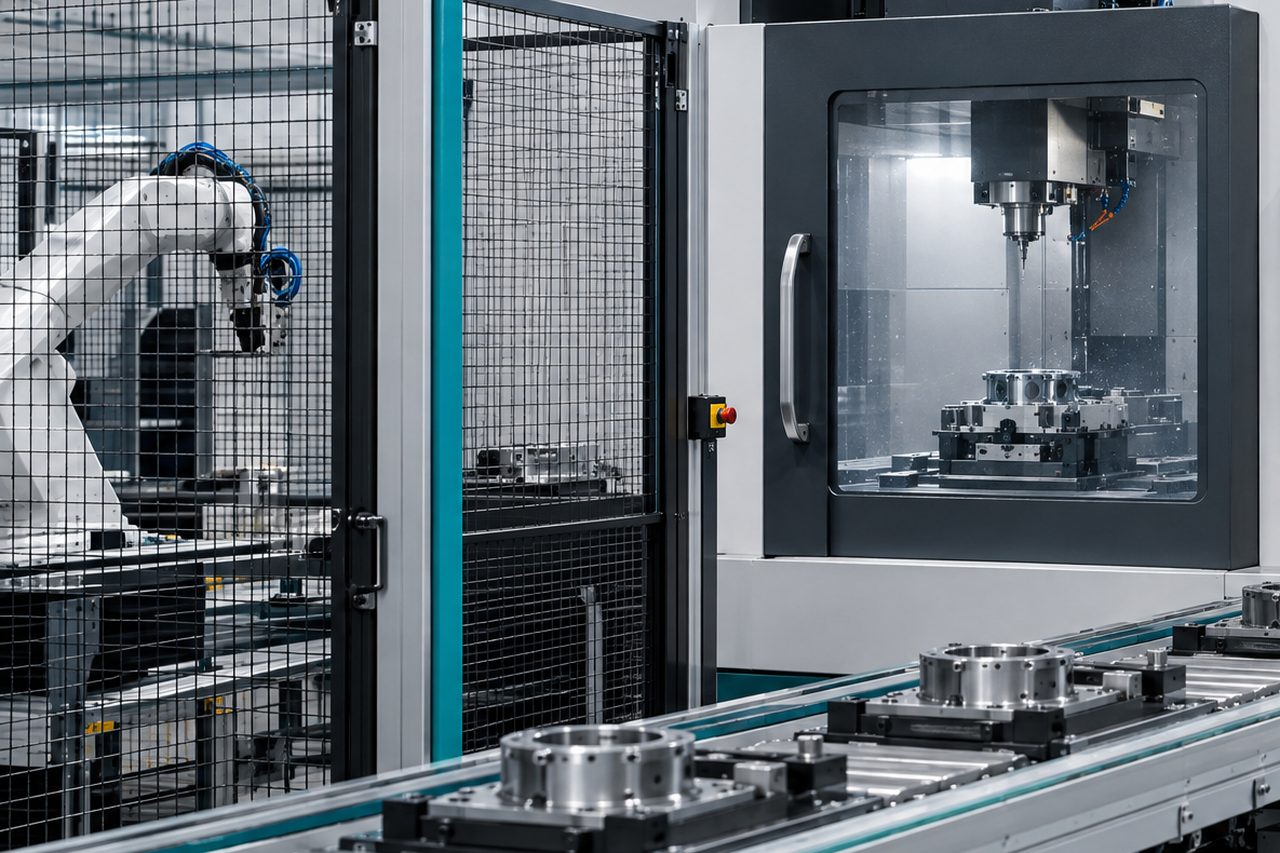
  3. A machining cell on a production line, its control panel beside the door.

    Act on site

    Your line's HMI

    The stop reaches the line's HMI, and the operator sees the reason on screen.

  4. An engineer in a hard hat checks a pump on a tablet.

    Who hears

    Alerts & incidents

    The shift lead, and the next person if no one answers.

Part of Plant operations Runs on Edge control, Rules & workflows, Alerts & incidents and Dashboards & twins

The process drifts and the line stops itself

A process that stays out of its limits for the time you set stops the line through its HMI, with the reason on the operator's screen, and the shift lead hears. OneIoT keeps what it asked for and what the HMI last reported, so a stop is confirmed, not assumed. Elogictech Edge runs this at Gloster Cables, across six processes on one line.

OnYour line's HMI
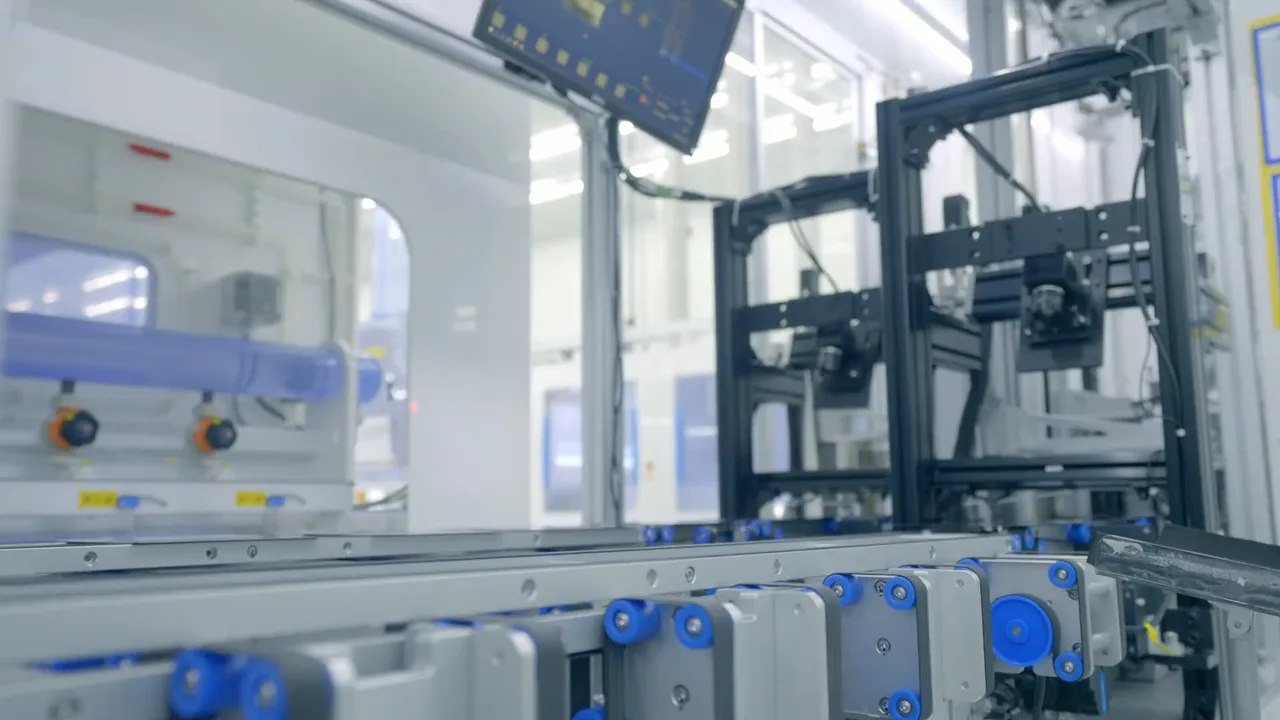
A machine on an automated line, its operator screen mounted above it.
HMI · Line 3 Stopped · process out of limits · 2:07:03 PMWanted and last reported Stopped · confirmed 3 s after the workflow asked
  • HMI · Line 3 Stopped · process out of limits · 2:07:03 PM
  • Wanted and last reported Stopped · confirmed 3 s after the workflow asked

A pump station stops at night

In Neerovel's smart-water project, water quality and the pumps on city distribution report to OneIoT. When a pump that should be running stops, the operator on call hears with the tank level beside it, and can start it again from the app.

Pump station 2 · tank levelOvernight · ft
200ft12:00 AM1:00 AM2:00 AM3:00 AM4:00 AMLow level · 10 ftPump 2 stopped · 1:50 AMStarted from the app · 2:18 AM200ft12:00 AM1:00 AM2:00 AM3:00 AM4:00 AMLow level · 10 ftPump 2 stopped · 1:50 AMStarted from the app · 2:18 AM
  • Operator on call told1:52 AM · SMS and push

Start or stop a pump from a workflow

A start or a stop is a request: the pump's own run signal confirms it, and a person approves it. AI never acts. The site decides: interlocks run on site, and a lost link never starts a machine.

Pump 2 · started from a workflowWanted and reported
  • WantedOn · requested 2:18 AM by the operator on call
  • ReportedOn · 2:18 AM · confirmed by the pump's run signal

What goes in

What goes in at each site.

  • Our edge where a site needs it

    OneIoT Edge reads controllers, PLCs and meters over Modbus, OPC UA, MQTT Sparkplug and HTTP, with I/O cards for sensors and relays, and keeps control running offline.

  • Your line's HMI, as it is

    Line status and stoppage reasons come in from the HMI already on the line, and a stop goes back through it with the reason on screen.

  • Set up with you

    Each process's limits, how long it may stay out, and who hears first.

Where it stands

Running on a line and on city water.

  • 6processes on one line

    Elogictech Edge at Gloster Cables

    Line status and stoppage reasons from the HMI; OneIoT stops the line with the reason on screen.

  • 2state governments

    Neerovel

    Water-quality sensors and pumps on city water distribution in Telangana and Andhra Pradesh, monitored and controlled.

Questions

Before you ask.

Something we haven't answered? Ask it on the call, or write to [email protected]

Can the dashboard start a machine on its own?

No. The dashboard asks, the site decides: interlocks run on site, a person approves each command, and a lost link never starts a machine.

Do we have to replace our controllers?

No. The edge talks Modbus, OPC UA, MQTT Sparkplug or HTTP to what you have, reaches PLCs through an industrial connector, and on a line we work through the HMI already there.

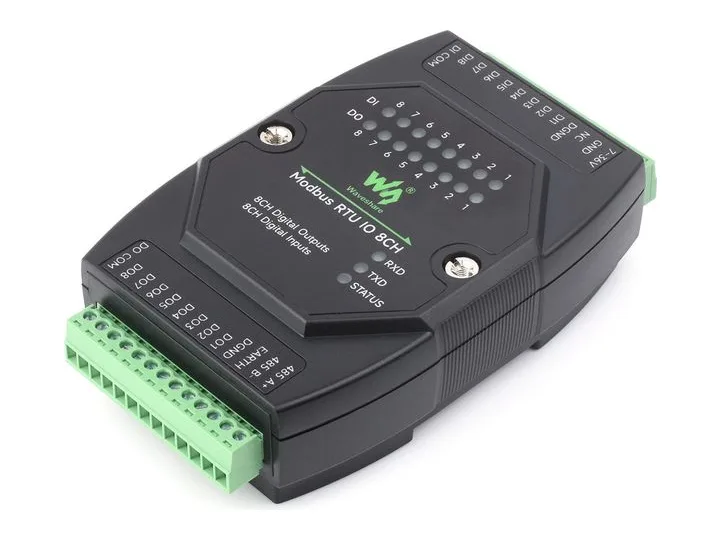
Are the Waveshare cards running today?

Not yet. They are Modbus RTU cards: small input and relay modules on the edge's wired bus. The edge reads its own I/O cards in production; we bench-test one Waveshare card of each type before we call them running.

Can AI change a setting?

Only through the control program on site, within the limits that program sets. Every command is on record.

Where to start

Start with one site, and the devices it needs.

  1. Call

    A thirty-minute callYour sites or fleet, what goes wrong today, and who answers.
  2. Outline

    A written outline and a fixed priceWhat we connect, what you already have that stays, the first-site fee.
  3. 4 weeks

    Four weeks on your first siteWe connect it, set it up and run it.
  4. Results

    Your results, on recordWhat it recorded, what it caught, and how fast each one was answered.

Start with one site: 4 weeks at a fixed fee. Then a monthly price per site or per tracked device, on a 12-month term.

Prove it on one site in 4 weeks

Sent straight to our team. We use your details only to reply. Privacy policy

Prove it on one site in 4 weeks

Tell us about your sites. We reply to set up a thirty-minute call, then send a written outline with a fixed price.

  1. A thirty-minute callYour sites or fleet, what goes wrong today, and who answers.
  2. A written outline and a fixed priceWhat we connect, what you already have that stays, the first-site fee.
  3. Four weeks on your first siteWe connect it, set it up and run it.
  4. Your results, on recordWhat it recorded, what it caught, and how fast each one was answered.
Prefer to talk now?
Sent straight to our team. We use your details only to reply. Privacy policy

Book the scoping call.

Thirty minutes with a sales engineer, on what you run and what you need to see.

The product, the hardware you have already chosen, and what your customer pays for.

No slide deck, no obligation.

Or email [email protected] directly.