Use cases · Find it indoors

Find it indoors: the zone it's in, and when it left.

A warehouse, zone by zone: search for a pallet jack, a scanner cart or a floor scale, see the zone it was last heard in, and hear when one leaves the building.

Readings on this page are sample data.

The operation

Every zone in the building, on one screen.

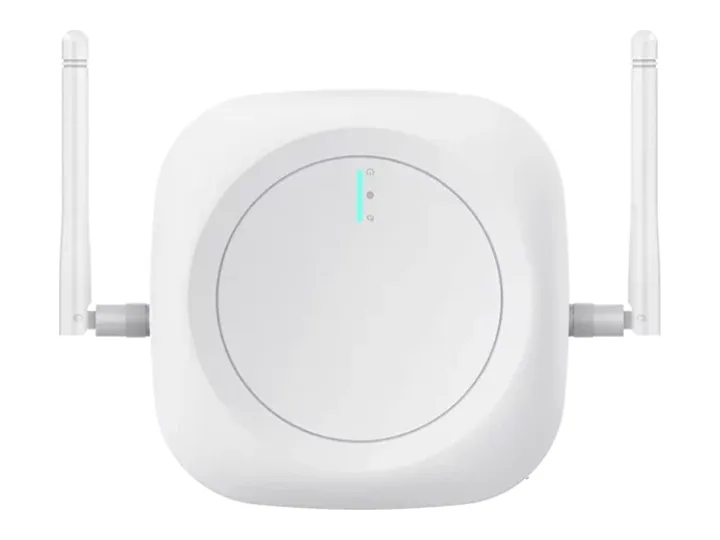
A Link Indoor in each zone hears the tags near it, and all of them write to one record per thing.

Building 2 · zones9:41 AM · 214 tags heard
  • Aisle zone A44tags heard
  • Aisle zone B50tags heard
  • Aisle zone C41SC-02 heard 2 min ago
  • Mezzanine21tags heard
  • Dock 118PJ-11 not heard since Fri
  • Dock 3 door22PJ-06 left 9:27 AM
  • Returns area14FS-1 not heard for 3 days
  • Offices4tags heard
  • Left the buildingPJ-06 · incident #4926 · 9:27 AM
  • Link Indoor gateways8 of 8 online

Part of Field operations Runs on Monitoring & tracking, Alerts & incidents and Dashboards & twins

Along the way

What people ask about the things they can't find.

Where is it right now?

Search for it by name and see the zone it was last heard in, and when, instead of walking the aisles.
OnSense+Link Indoor

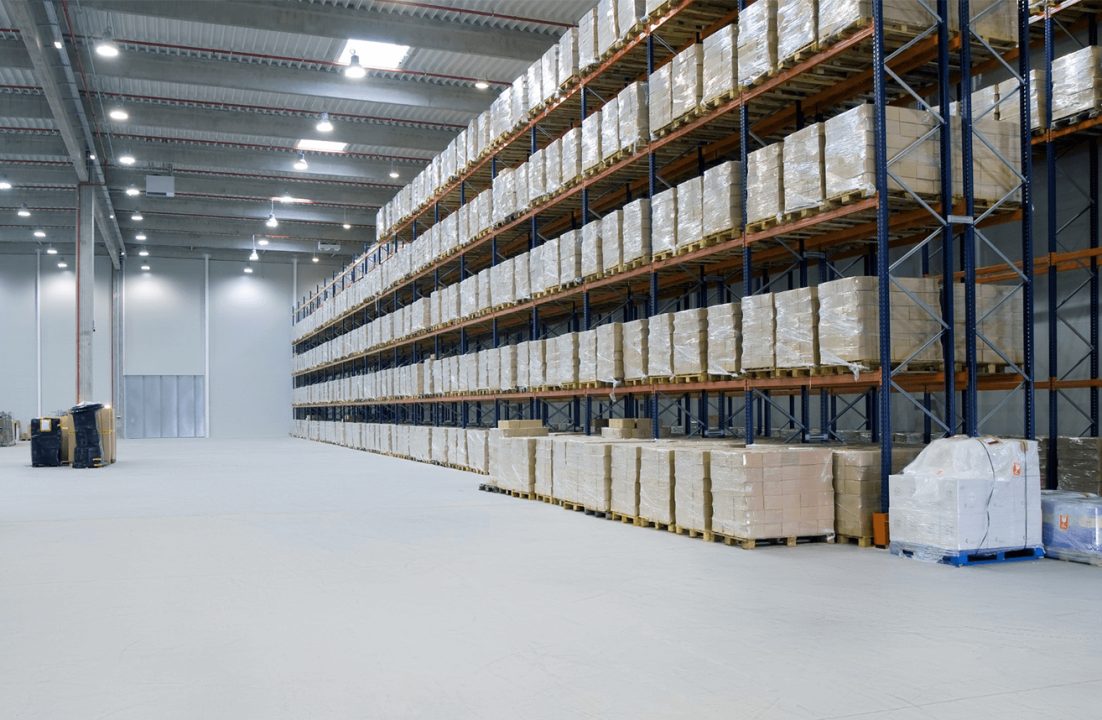
Aisles of pallet racking in a warehouse.
Scanner cart SC-02 aisle zone C · 2 min agoFloor scale FS-1 not heard for 3 days
  • Scanner cart SC-02 aisle zone C · 2 min ago
  • Floor scale FS-1 not heard for 3 days
It left the building

A Link Indoor at each door hears a tag go past. When a tag is heard at the door and then nowhere inside, an incident opens and the warehouse lead hears within the minute.

OnLink Indoor

Pallet jack PJ-06Today
  1. Heard · aisle zone CLink Indoor · floor
  2. Heard · Dock 3 doorLink Indoor · Dock 3
  3. Heard nowhere insideIncident #4926 · push to the warehouse lead

Last seen three days ago

Anything not heard for the days you set lands on a weekly list, with the zone and the time it was last heard, so a search starts where it was, not everywhere.

Not heard this weekBuilding 2 · 3 assets
  • Floor scale FS-1Returns area · Sat 4:20 PM
  • Pallet jack PJ-11Dock 1 · Fri 11:05 AM
  • Scanner cart SC-07Mezzanine · Thu 2:30 PM
  • This listEmailed Mon 7:00 AM

A tag goes quiet

A tag that stops reporting, or a Link Indoor that drops off, opens an incident of its own: the warehouse lead hears with the zone it covers, so a quiet zone isn't mistaken for an empty one.

OnLink Indoor+Sense

Tags and gateways · Building 2Today
  • Link Indoor · MezzanineOffline 8:14 AM · back 8:25 AM · #4924
  • Sense · tote cart TC-3Stopped reporting 8:31 AM · #4925
  • Warehouse leadPush at 8:14 AM and 8:31 AM
  • Mezzanine tagsHeard again 8:25 AM · 21 of 21

What goes in

What goes in at each site.

  • A tag on each thing you look for

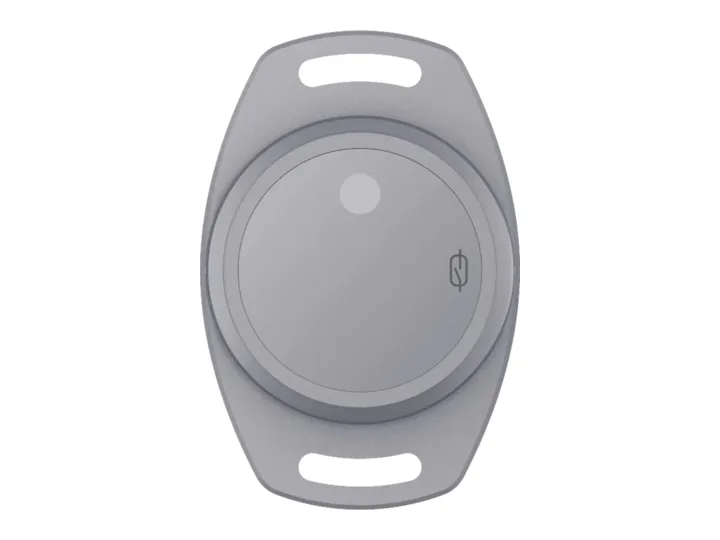
    Pallet jacks, carts and kit carry a Sense tag, heard in the zone it's in.

  • A gateway in each zone

    Link Indoor, on the site's Wi-Fi or Ethernet, hears every tag nearby.

  • Set up with you

    Each building's zones, and who hears when a thing goes quiet.

Where it stands

The same tags and gateways, on a drying fleet.

  • 100+restoration customers

    A restoration-equipment brand

    Its drying fleet runs on OneIoT: each unit on a job, in the warehouse or in a van with its own gateway, what was left behind, and job-days billed.

  • 200K+active devices

    Across the platform

    Platform figures as of 31 Aug 2026.

  • First sites now

    Your building

    We set up the zones and the doors with your first site.

Questions

Before you ask.

Something we haven't answered? Ask it on the call, or write to [email protected]

How exact is the location?

Room or zone level: a tag shows where the Link Indoor that heard it is. Aisle-by-aisle location is not offered.

Does it work in a hospital?

The same way: a tag on each pump or trolley, a Link Indoor on each floor or ward, and the room it was last heard in. We scope a hospital's zones with you.

Do we need Wi-Fi?

The Link Indoor reports over the site's Wi-Fi or Ethernet; where there is neither, a Link reports over our SIM.

Can it use the devices we already have?

Usually. Send us the device and what it sends; our team adds it, and it joins the same map and records.

Where to start

Start with one site, and the devices it needs.

  1. Call

    A thirty-minute callYour sites or fleet, what goes wrong today, and who answers.
  2. Outline

    A written outline and a fixed priceWhat we connect, what you already have that stays, the first-site fee.
  3. 4 weeks

    Four weeks on your first siteWe connect it, set it up and run it.
  4. Results

    Your results, on recordWhat it recorded, what it caught, and how fast each one was answered.

Start with one site: 4 weeks at a fixed fee. Then a monthly price per site or per tracked device, on a 12-month term.

Prove it on one site in 4 weeks

Sent straight to our team. We use your details only to reply. Privacy policy

Making equipment? Start with one product line, under your brand. Tell us what you make

Prove it on one site in 4 weeks

Tell us about your sites. We reply to set up a thirty-minute call, then send a written outline with a fixed price.

  1. A thirty-minute callYour sites or fleet, what goes wrong today, and who answers.
  2. A written outline and a fixed priceWhat we connect, what you already have that stays, the first-site fee.
  3. Four weeks on your first siteWe connect it, set it up and run it.
  4. Your results, on recordWhat it recorded, what it caught, and how fast each one was answered.
Prefer to talk now?
Sent straight to our team. We use your details only to reply. Privacy policy

Book the scoping call.

Thirty minutes with a sales engineer, on what you run and what you need to see.

The product, the hardware you have already chosen, and what your customer pays for.

No slide deck, no obligation.

Or email [email protected] directly.