Fleet & routes

Every vehicle and machine: where it is, how it's driven, what it burns.

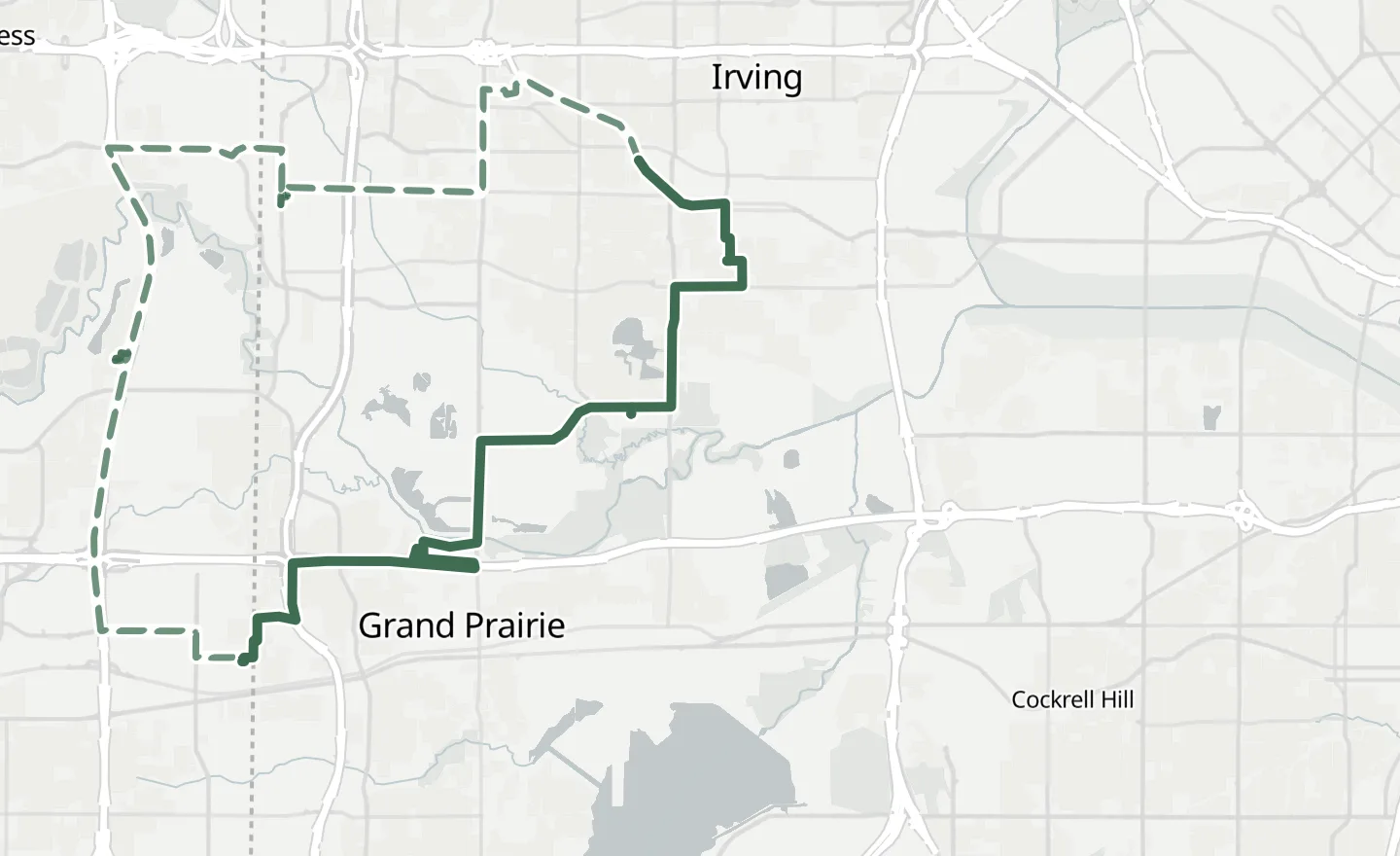
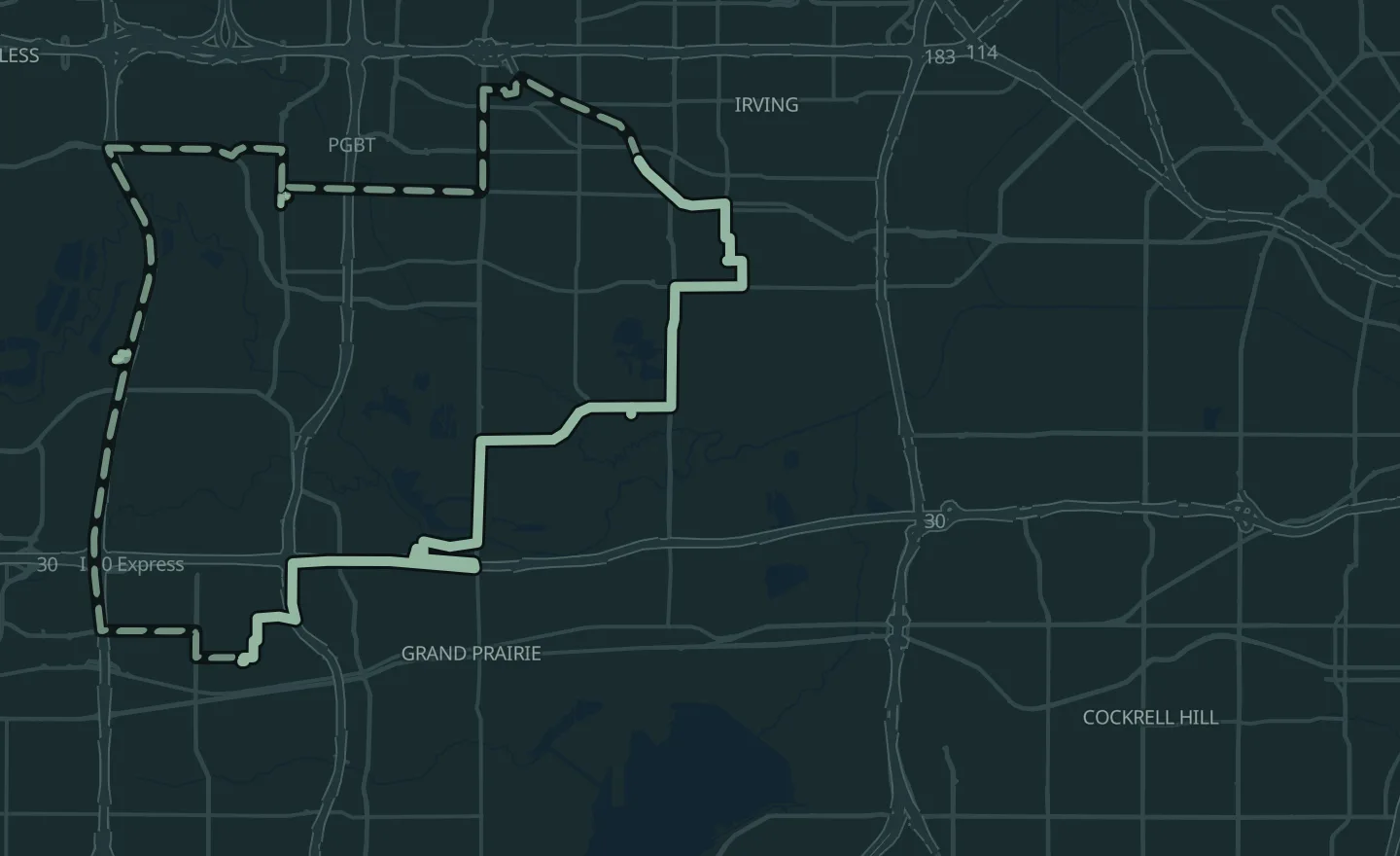
Vans, trucks, tractors and heavy equipment on one live map, with their routes, their drivers and their fuel. Sell it under your own brand if you like.

Used in:Cold chain, store to door · Fleets and deliveries · Equipment and machines

Readings on this page are sample data.

A machine moves after hours

The settingWorking hours for each vehicle group

Set the days and hours each group works, in the site's own time. A vehicle or machine that moves outside them, or leaves its zone, opens an incident for the person you name.

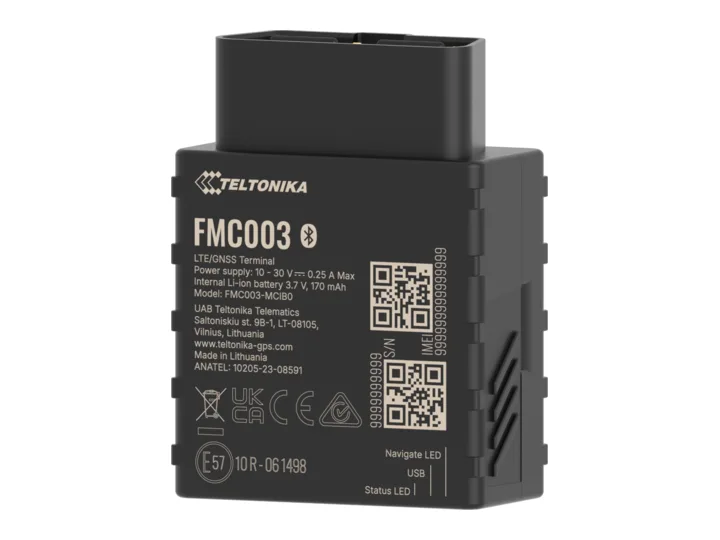
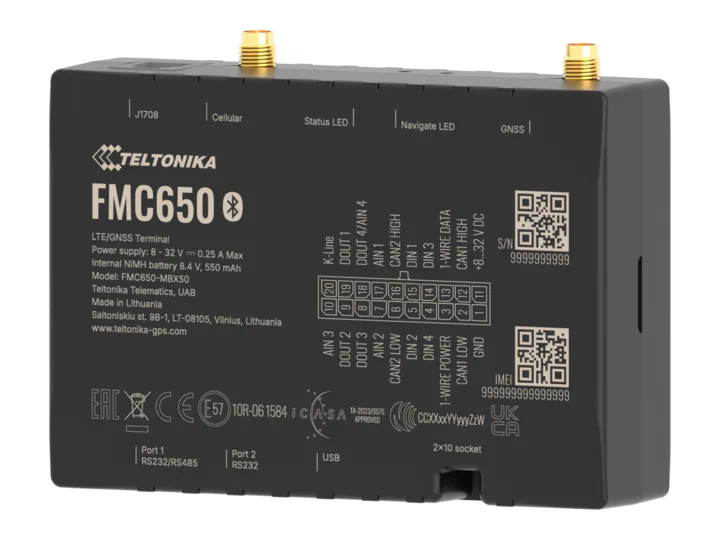
OnFMC650orFMC003

Used in:Equipment and machines
A customer calls to ask where the delivery is

The settingRoutes with timed stops, and a link that expires

Build a route stop by stop from a start time and a stay at each stop; the map puts the stops in the shortest order unless you drag them yourself. Assign it to a vehicle, and two routes can't overlap on one. Your customer follows the delivery on a link that stops working at the time you set.

OnFMC003orFMC650

Used in:Fleets and deliveries · Cold chain, store to door

Fuel leaves the tank without being burned

The settingA fuel-drop rule: engine off, and a drop over the amount you set

While the ignition is off, a drop in the tank larger than the share you set, held over a few minutes, opens an incident; a rise is kept as a refuel. It reads the vehicle's own fuel level or a probe in the tank.

OnLLS 5 fuel probe+Teltonika FMC650

Used in:Fleets and deliveries · Equipment and machines

Start from the fuel-drop rule: Rules & workflows →

The same drivers, braking hard and speeding

The settingDriving events for each driver, and a speed limit per vehicle type

Harsh braking and acceleration, over-speeding, crashes and long idling come from the tracker itself and are counted for each driver and each vehicle. The speed limit is set for each type of vehicle.

OnFMC003orFMC650

Used in:Fleets and deliveries

A fault code nobody saw until the truck stopped

Engine hours, odometer, fault codes, battery voltage and EV battery as they arrive; service comes due by hours or miles. Read a vehicle's state, send it commands, and update the tracker's firmware over the air.

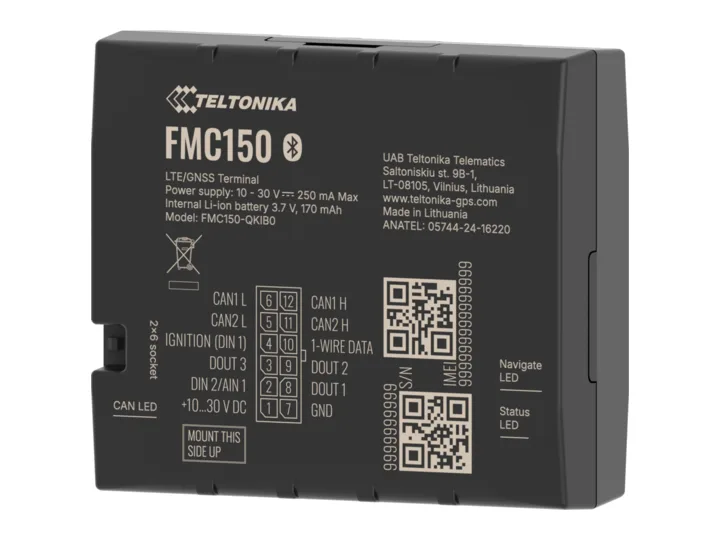
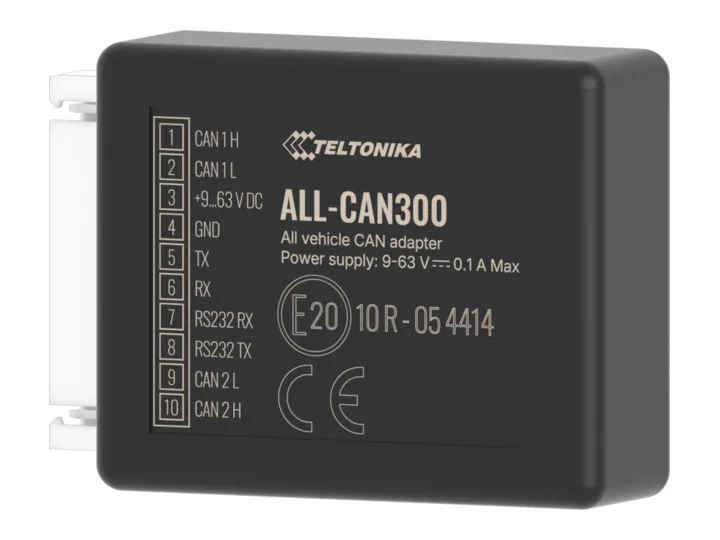
OnFMC150orALL-CAN300 on machines

Used in:Equipment and machines

Truck T-12Fault code

P0217

Overheating · Truck T-12

  • Service duein 320 mi (515 km)
  • Battery12.4 V

A load warms up between stops

The settingTrailer temperature against the load's rangeNext

Give each load its range, and the trailer's temperature is read against it at every stop, with the doors. Today a Sense tag rides with the load and a Link in the cab reports it; reading Teltonika's EYE Sensor through the truck's own tracker is next.

OnSense+Link

Used in:Cold chain, store to door

Cold rooms and warehouses: Monitoring →

Where it runs

Running today.

  • 10,000+devices

    Vanix

    Vanix sells fleet management and asset tracking under its own brand, on OneIoT, on 10,000+ devices.

  • Vanix, on farmland

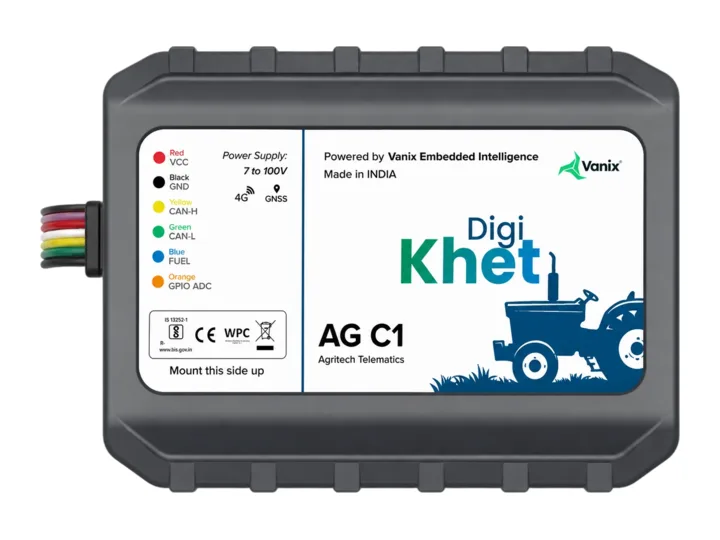
    Tractors and farm machines — location, area worked, route history, geofences, theft and fuel alerts, engine hours.

  • 100+restoration customers

    A restoration-equipment brand

    Its drying fleet runs on OneIoT: each unit on a job, in the warehouse or in a van with its own gateway, what was left behind, and job-days billed.

Questions

Before you ask.

Something we haven't answered? Ask it on the call, or write to [email protected]

Also in OneIoT:Monitoring & tracking · Alerts & incidents · Rules & workflows · Edge control · Dashboards & twins

Do we need new trackers?

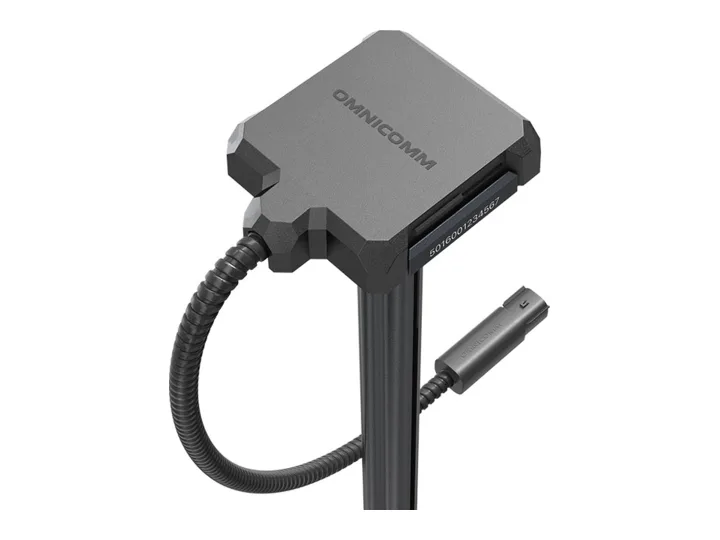
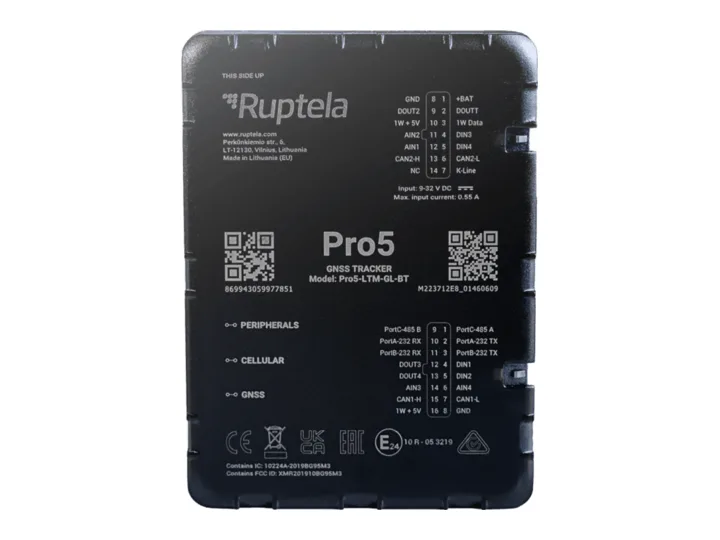
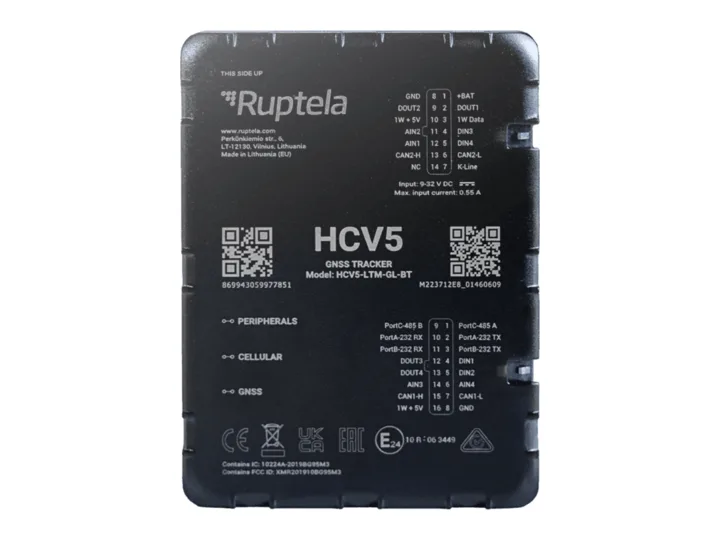
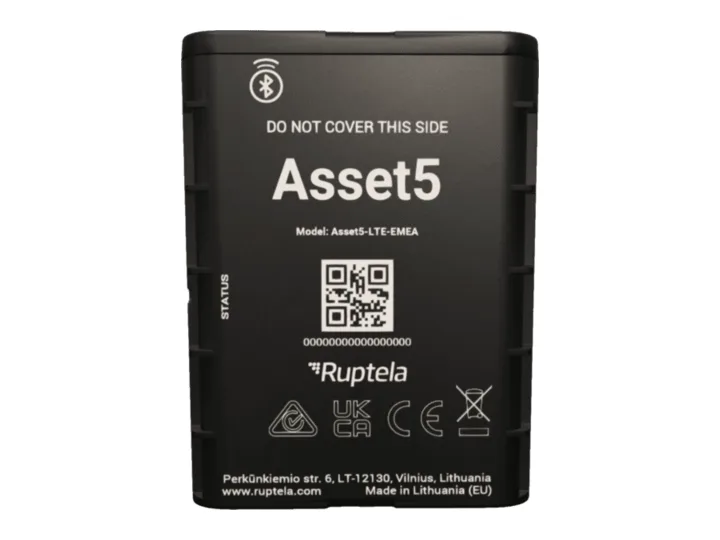
Often not. Send us the tracker and what it sends; our team adds it. Where you need new ones, we supply Teltonika, Omnicomm and Ruptela devices with the SIM.

Miles or kilometers?

Both. Each user picks; the record keeps the reading as it arrived.

Can we sell it under our brand?

Yes — Vanix does. Your domain, your logo, your name on email and push alerts.

Is OneIoT an ELD?

No. OneIoT isn't an ELD; it runs beside your ELD provider and takes its data by API.

Where to start

Start with one site, and the devices it needs.

  1. Call

    A thirty-minute callYour sites or fleet, what goes wrong today, and who answers.
  2. Outline

    A written outline and a fixed priceWhat we connect, what you already have that stays, the first-site fee.
  3. 4 weeks

    Four weeks on your first siteWe connect it, set it up and run it.
  4. Results

    Your results, on recordWhat it recorded, what it caught, and how fast each one was answered.

Start with one site: 4 weeks at a fixed fee. Then a monthly price per site or per tracked device, on a 12-month term.

Prove it on one site in 4 weeks

Sent straight to our team. We use your details only to reply. Privacy policy

Making equipment? Start with one product line, under your brand. Tell us what you make

Prove it on one site in 4 weeks

Tell us about your sites. We reply to set up a thirty-minute call, then send a written outline with a fixed price.

  1. A thirty-minute callYour sites or fleet, what goes wrong today, and who answers.
  2. A written outline and a fixed priceWhat we connect, what you already have that stays, the first-site fee.
  3. Four weeks on your first siteWe connect it, set it up and run it.
  4. Your results, on recordWhat it recorded, what it caught, and how fast each one was answered.
Prefer to talk now?
Sent straight to our team. We use your details only to reply. Privacy policy

Book the scoping call.

Thirty minutes with a sales engineer, on what you run and what you need to see.

The product, the hardware you have already chosen, and what your customer pays for.

No slide deck, no obligation.

Or email [email protected] directly.