Monitoring & tracking

Rooms, machines, vehicles and crews — live, and on record.

Readings and locations on one map, with the history behind each number.

Used in:Climate control · Asset tracking

A room drifts out of range while nobody is watching

The settingA range and a hold time for each room

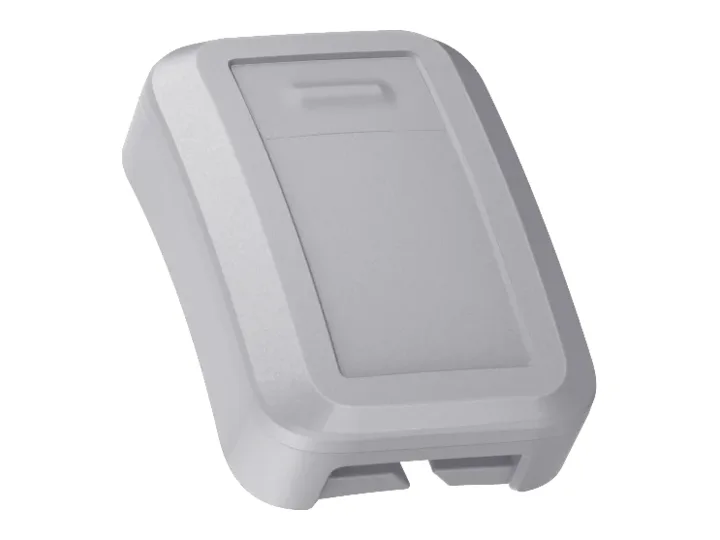
Each room is read against its own range, the threshold you set in the ready-made cold-room rule. A reading has to stay outside it for the hold time you set before anyone is alerted, so a door opened for a pallet is recorded, not raised as an alarm.

OnSense+Link Indoor

Used in:Climate control

Who hears first: Alerts & incidents →
A sensor goes quiet, and the room looks fine

The settingAn alert when a device sends nothing for too long

Set how long each kind of device may stay silent. After that it counts as offline and opens an incident of its own, with the reason it dropped where the device reports one, so a quiet room isn't taken for a good one.

OnLinkorLink Indoor

Used in:Climate control · Asset tracking

A trailer leaves the site with no move booked

The settingZones you draw, and who is told

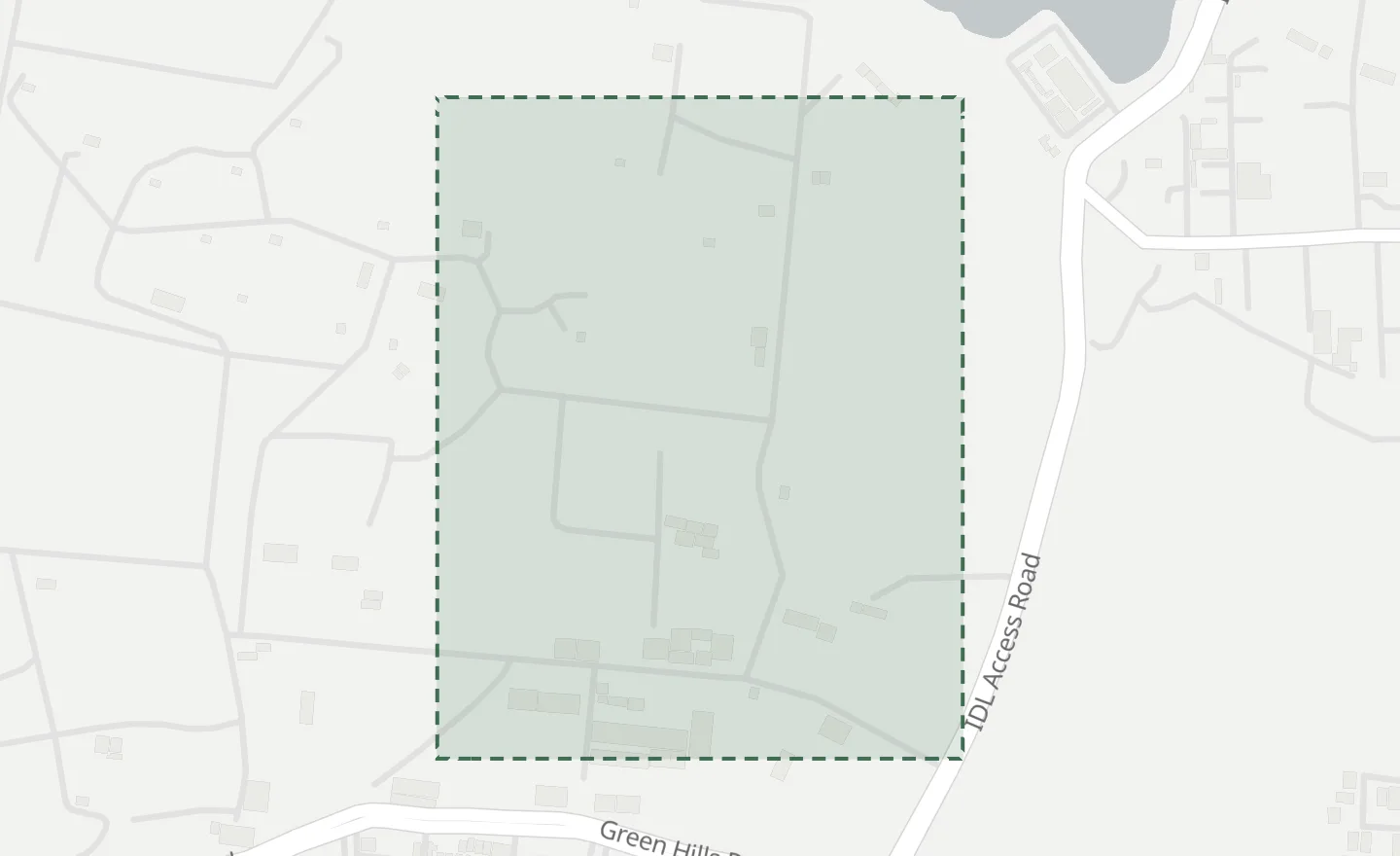
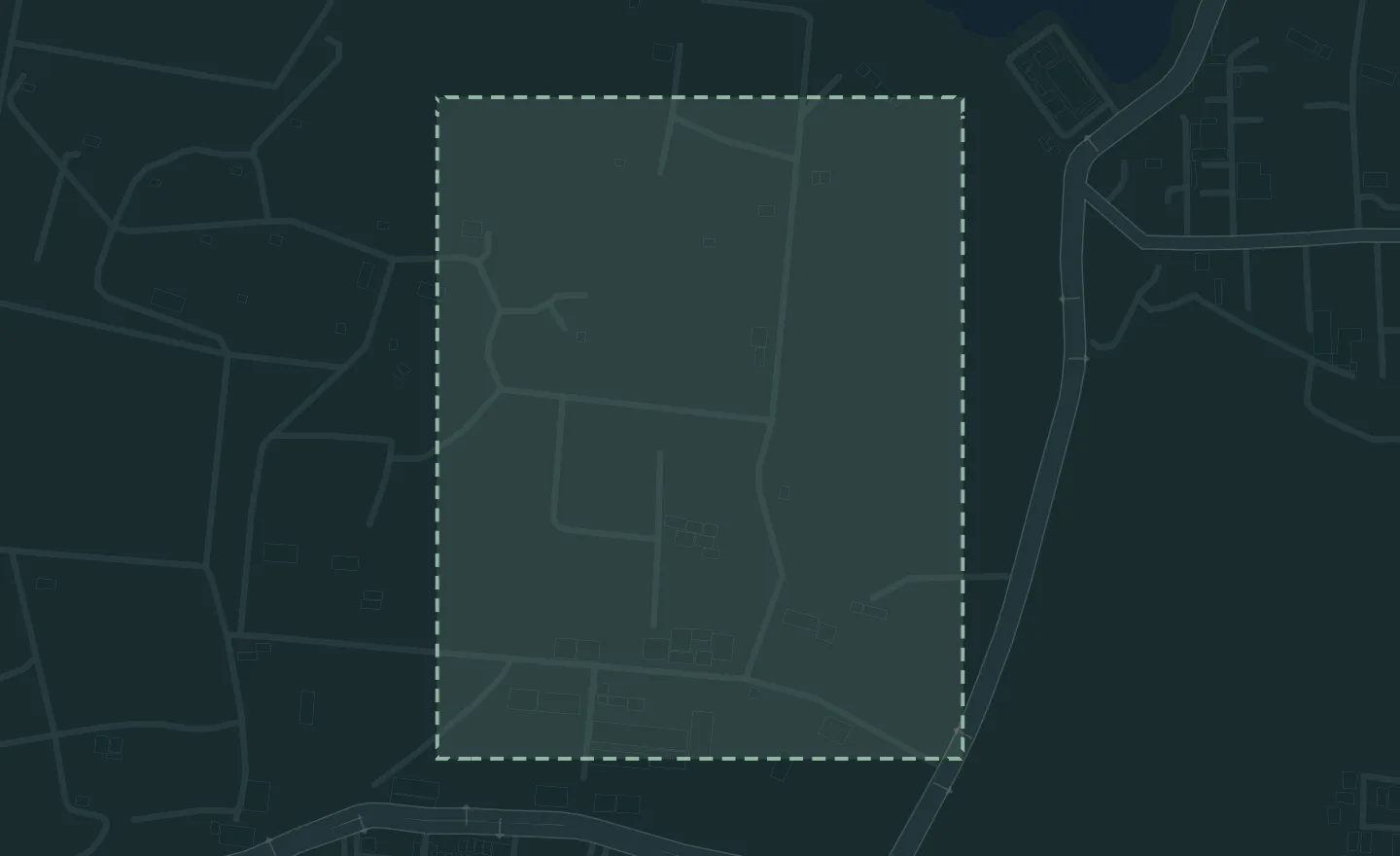
Draw a site as an area, or a road as a line, and link it to a group of units. A unit that leaves it, or enters it, opens an incident and reaches the people you name, with your own words in the message.

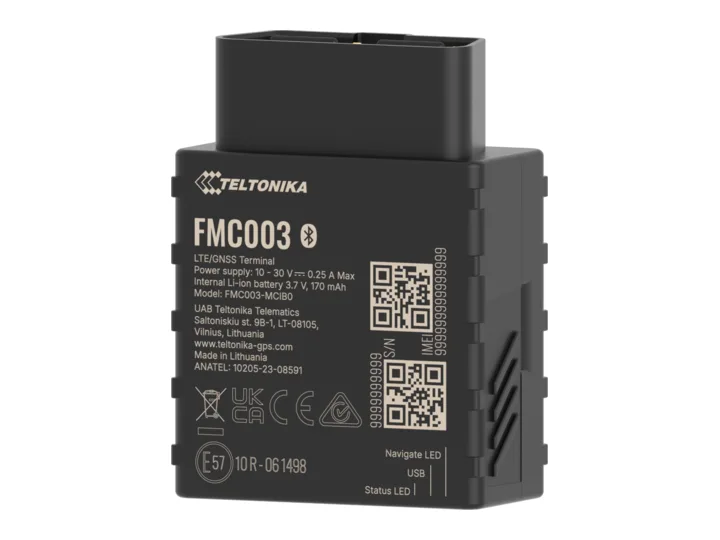
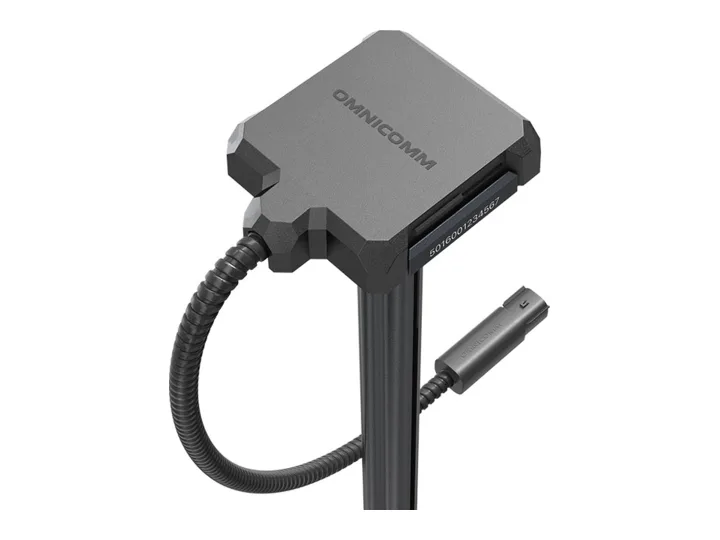
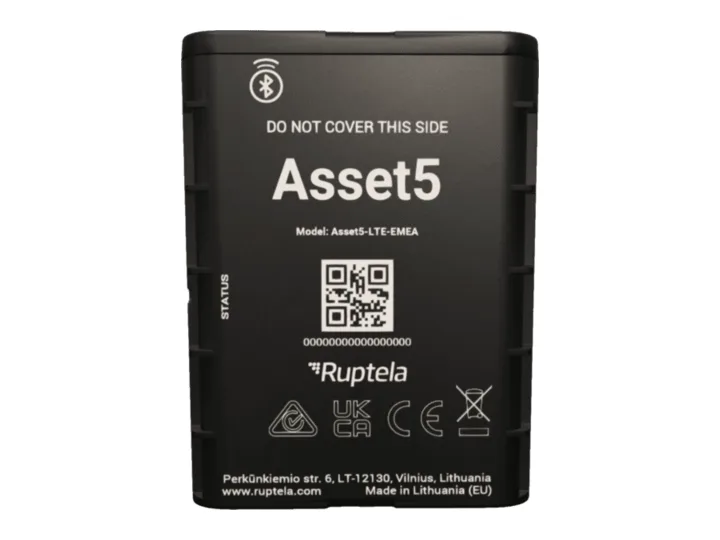
OnFMC003orAsset5

Used in:Asset tracking

Routes, drivers and fuel: Fleet & routes →

Kit that can't report on its own goes missing

The settingThe last place each tagged thing was heard

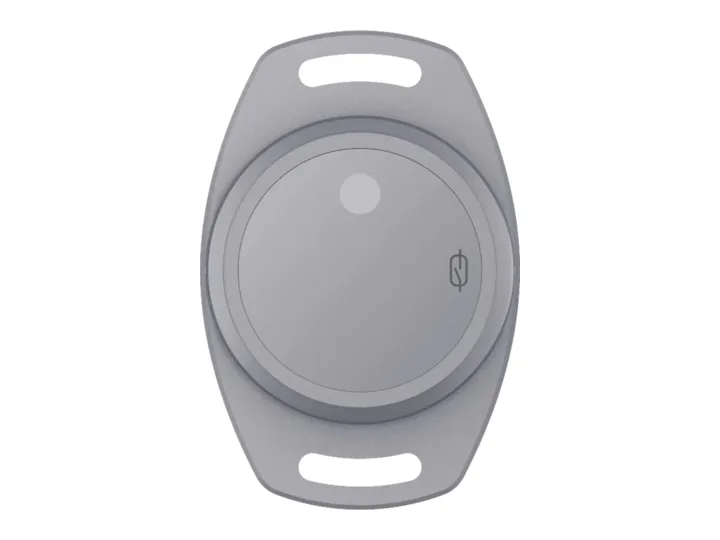
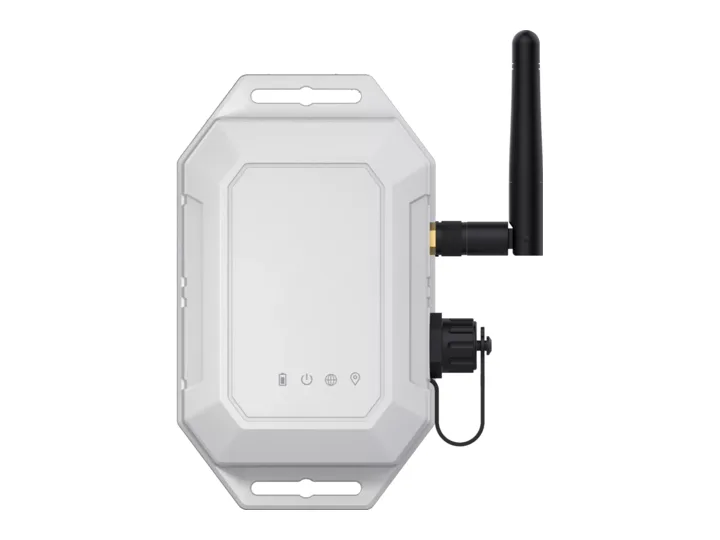
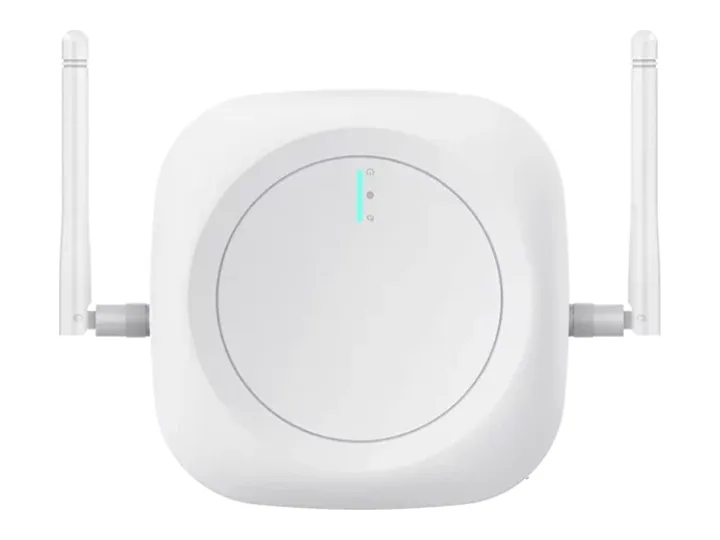
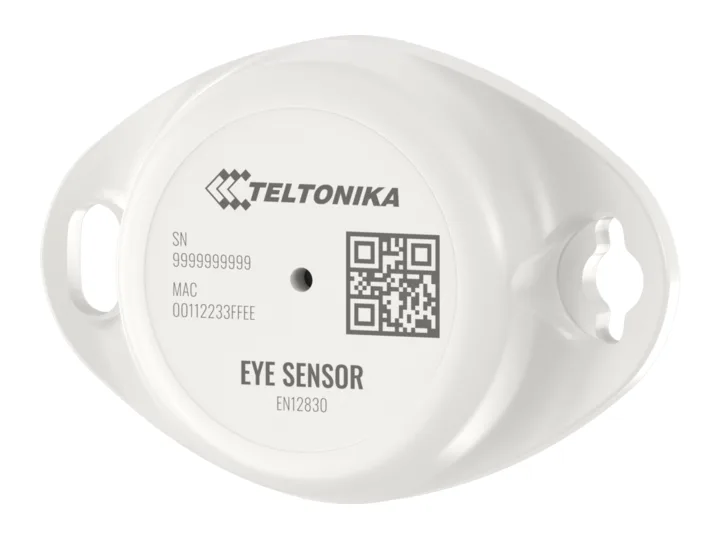
Bluetooth tags on breakers, compactors and generators are heard by the nearest gateway or tracker, so each keeps a last-seen place and time. A tag not heard for the days you set is flagged on the list.

OnSense+Link

Used in:Asset tracking

Engine hours and fuel that don't match the work

The settingA machine's readings, on one timeline

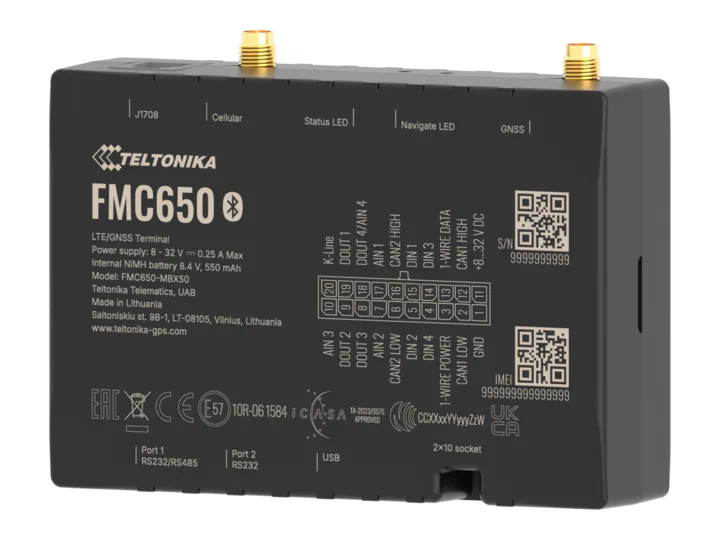
Engine hours, ignition and fuel level from the machine's tracker or a probe in the tank sit on one history, so the hours billed can be checked against the hours run, and a drop with the engine off stands apart from a refuel. Any period exports as CSV.

OnLLS 5+FMC650

Used in:Asset tracking

Nobody knows who is on site, or in which zone

The settingPresence by zone, and who may see a person

Halo tags are counted by zone, to plan the work and check manpower bills. A person's own trail opens only to the groups you allow, and is never used for ranking or discipline.

OnHalo+Link

Used in:Asset tracking

When someone presses SOS: Alerts & incidents →

Where it runs

Running today.

  • 10,000+devices

    Vanix

    Asset and workforce tracking on 10,000+ devices, and tracking for tractors and farm machines on farmland, on OneIoT.

  • 100+restoration customers

    A restoration-equipment brand

    Its drying fleet runs on OneIoT: each unit on a job, in the warehouse or in a van with its own gateway, what was left behind, and job-days billed.

Questions

Before you ask.

Something we haven't answered? Ask it on the call, or write to [email protected]

Also in OneIoT:Fleet & routes · Alerts & incidents · Rules & workflows · Edge control · Dashboards & twins

Can it use the devices we already have?

Usually. Send us the device and what it sends; our team adds it, and it joins the same map and records.

What happens when a reading goes out of range?

Once it has stayed out for the time you set, an incident opens and the person on call hears first; if no one answers, the next person on the chain hears.

Who can see where a person is?

Only the groups you allow can see a person. Presence and hours are for planning and bills — never ranking or discipline.

Where to start

Start with one site, and the devices it needs.

  1. Call

    A thirty-minute callYour sites, what goes wrong today, and who answers.
  2. Outline

    A written outlineWhat we connect, what you already have that stays, and where we start.
  3. Your sites

    We start with those sitesOur team installs it, sets it up with you and runs it.
  4. Results

    Your results, on recordWhat it recorded, what it caught, and how fast each one was answered.

Then a written rollout plan and a monthly price per site or per tracked device.

Start with your sites

Sent straight to our team. We use your details only to reply. Privacy policy

Making cold rooms, freezers or machines? Sell them connected, under your name

Start with your sites

Tell us about your sites. We reply to set up a thirty-minute call, then send a written outline.

  1. A thirty-minute callYour sites, what goes wrong today, and who answers.
  2. A written outlineWhat we connect, what you already have that stays, and where we start.
  3. We start with those sitesOur team installs it, sets it up with you and runs it.
  4. Your results, on recordWhat it recorded, what it caught, and how fast each one was answered.
Prefer to talk now?
+91 90005 22411WhatsAppCall
Sent straight to our team. We use your details only to reply. Privacy policy

Book the scoping call.

Thirty minutes with a sales engineer, on what you run and what you need to see.

The product, the hardware you have already chosen, and what your customer pays for.

No slide deck, no obligation.

Or email [email protected] directly.