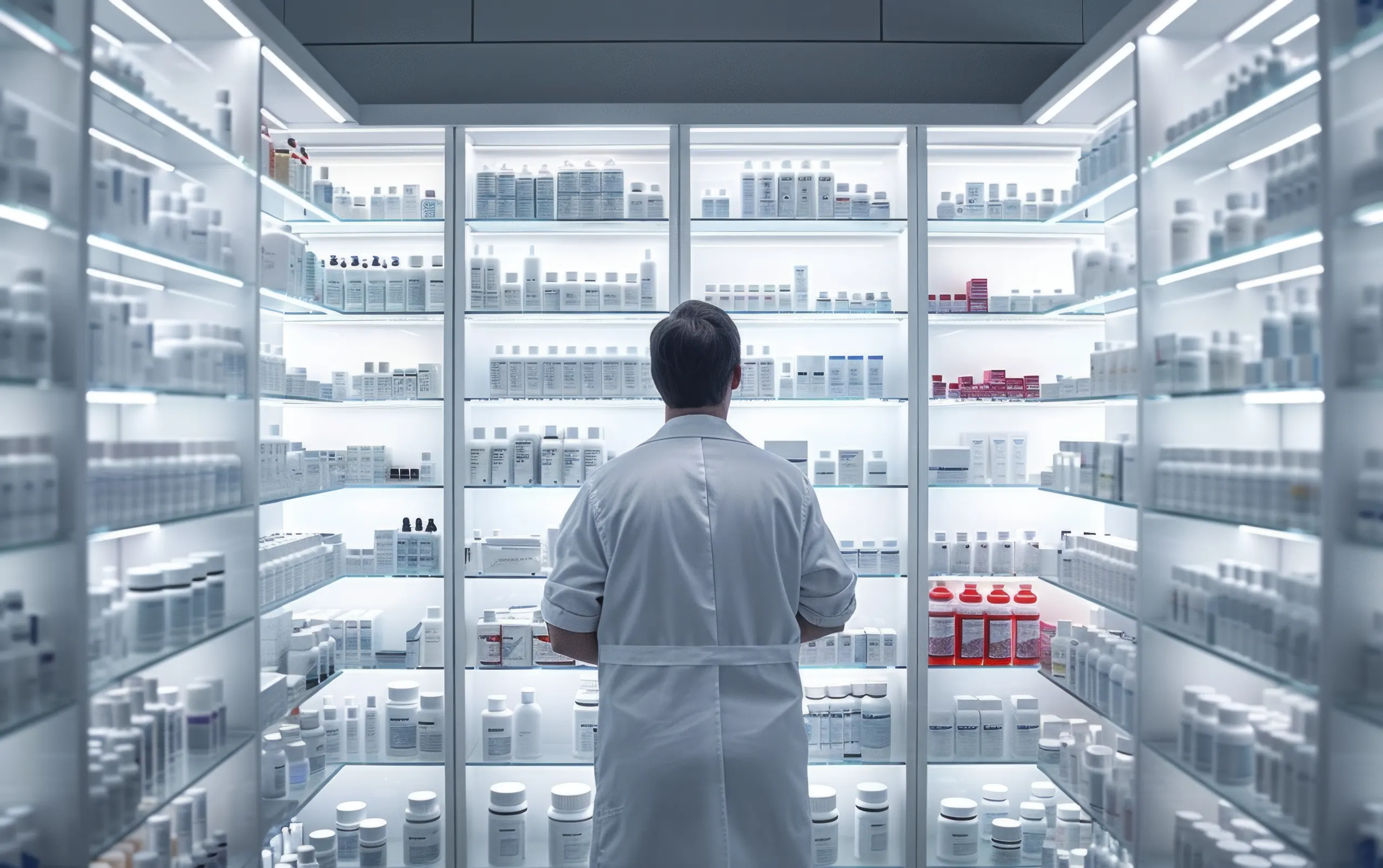
A pharmacist in a white coat facing lit glass shelves of medicines.

Hospitals and pharmacies

Every fridge in view. The right team alerted.

What we monitor

From the ward to the blood bank.

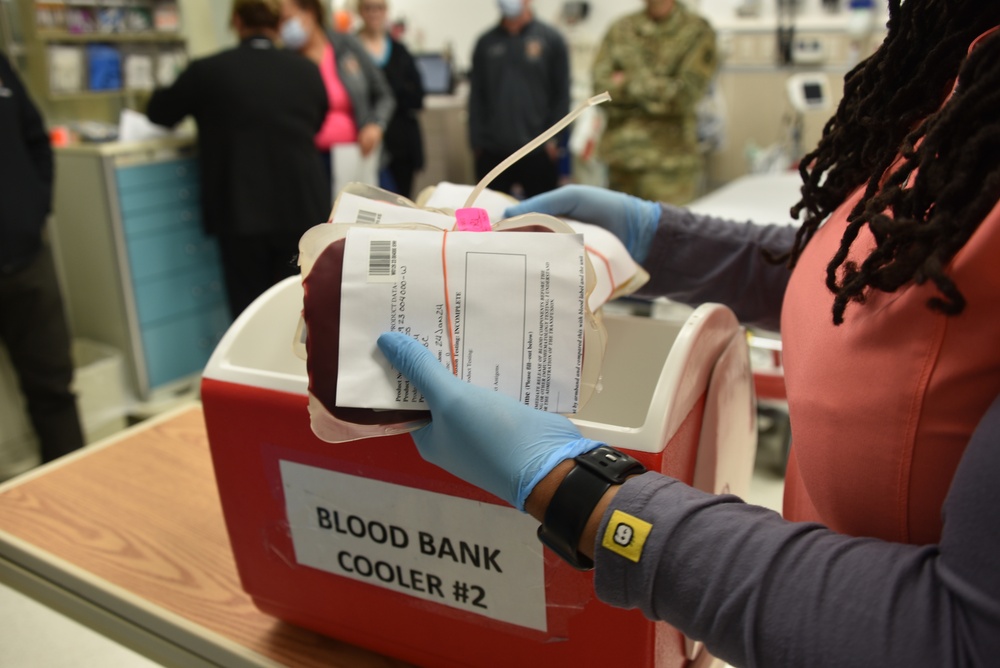
A medical laboratory scientist handling a blood product beside a blood-bank cooler.

Blood bank

Blood fridges and plasma freezers

Each unit monitored against its own range. Freezers use a sensor selected for the storage temperature.
Wards and clinics

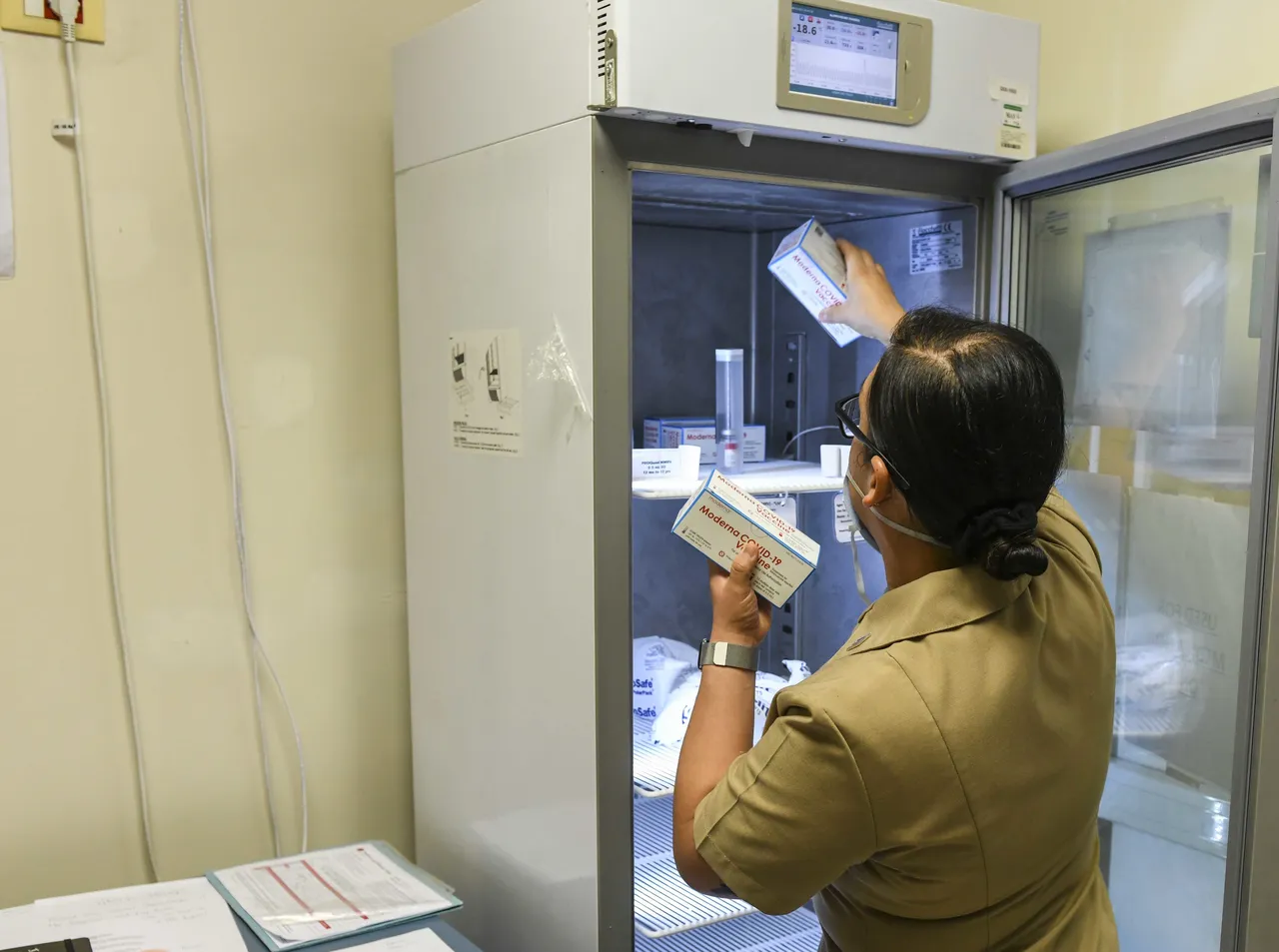
Vaccine and insulin fridges

Each fridge's temperature against its configured range, with reading history and alerts for the responsible team.
Temperature · reading history · alerts
A hospital worker stocking vaccine boxes in a medical freezer, its temperature on the display.

Medicine stores

Temperature and humidity

23 °C52% RH
Illustrative readings

Monitor the conditions where stock is stored, against the limits set for each room.
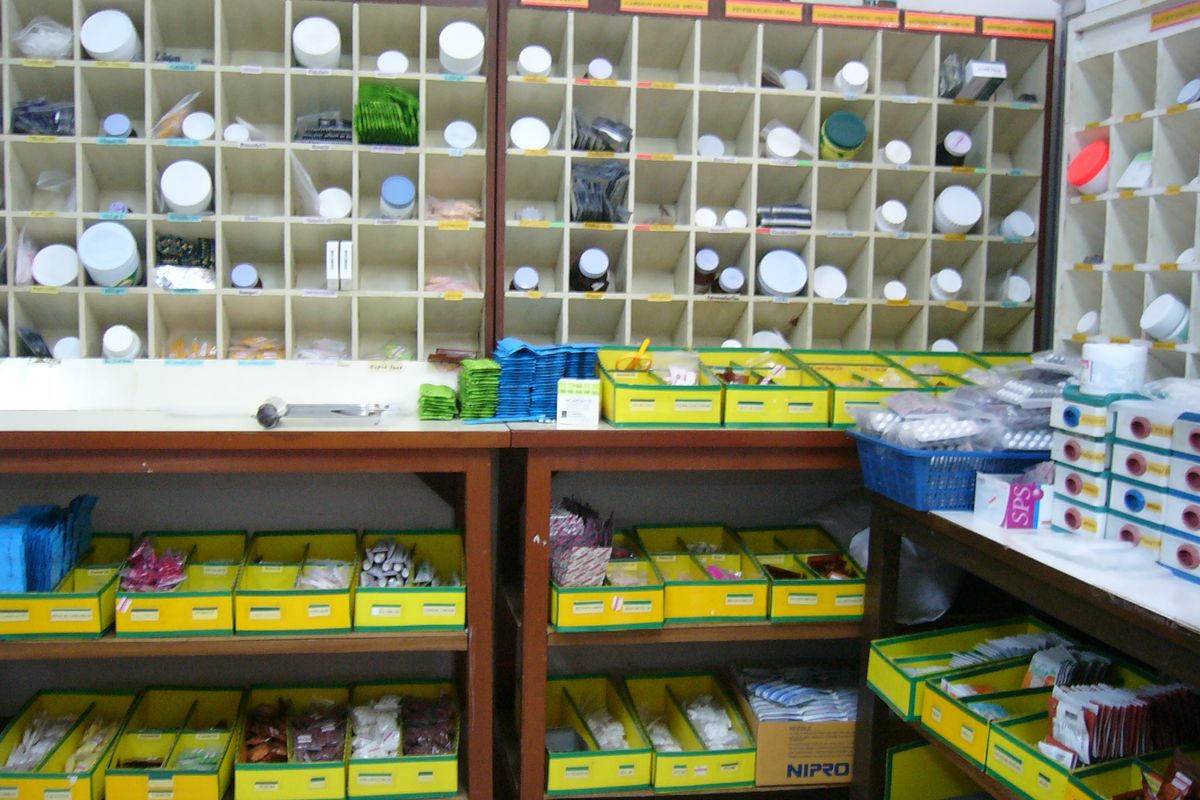
A hospital pharmacy: medicine jars in labelled pigeonholes over trays of tablets.

Pharmacy networks

Across your stores

Connected fridges viewed together, with each store's notifications routed to its responsible team.

  1. 01Each fridge's readings
  2. 02The store's responsible team
  3. 03A view across the network

One fridge, one response

A ward fridge warms up. Your team knows what needs attention.

  1. 01
    Detect

    The reading crosses its limit

    The fridge's temperature is checked against its configured range. The excursion is recorded.

  2. 02
    Notify

    The ward team is told

    The nurse in charge receives the fridge's identity and reading through the notification channels you choose.

  3. 03
    Escalate

    The engineer is told next

    An unacknowledged incident escalates to the biomedical engineer or the next person you nominate.

  4. 04
    Review

    The response stays on record

    Your biomedical or pharmacy team can review the excursion, notifications and recorded response together.

INC-2207Ward 5 vaccine fridge · too warm
Back in range
1:40 AMSafe range 2 °C to 8 °C3:30 AM
  • Cooling stops, 1:40 AM
  • Told, 2:25 AM
  • Closed, 3:30 AM
Excursion
Above 8 °C from 2:10 AM to 3:05 AMhighest reading 10 °C
Notified
Nurse in chargeBiomedical engineer on call
Equipment
Back in configured range at 3:05 AM
On recordExcursion recordedTeam notified

The record supports your team's review. Decisions about affected stock follow your hospital's procedures and the relevant product guidance.

What goes in

What goes in at your hospital.

  • A sensor in each room

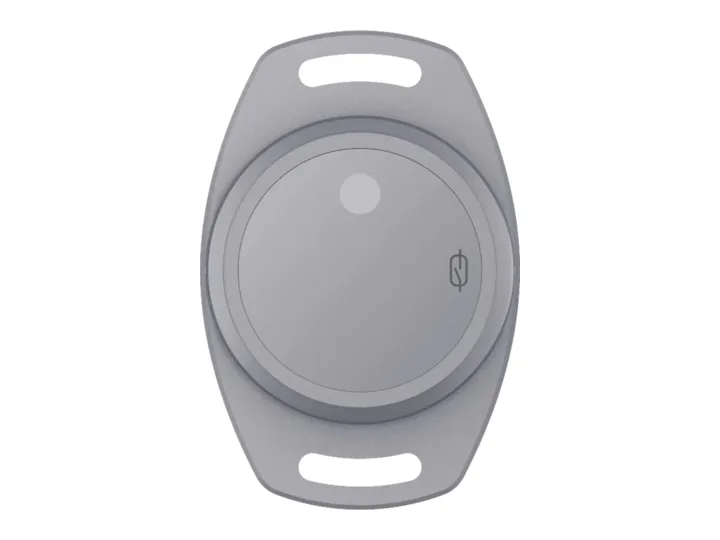
    It reads the temperature and the door. Freezers get the cold-rated version.

  • A gateway on the wall

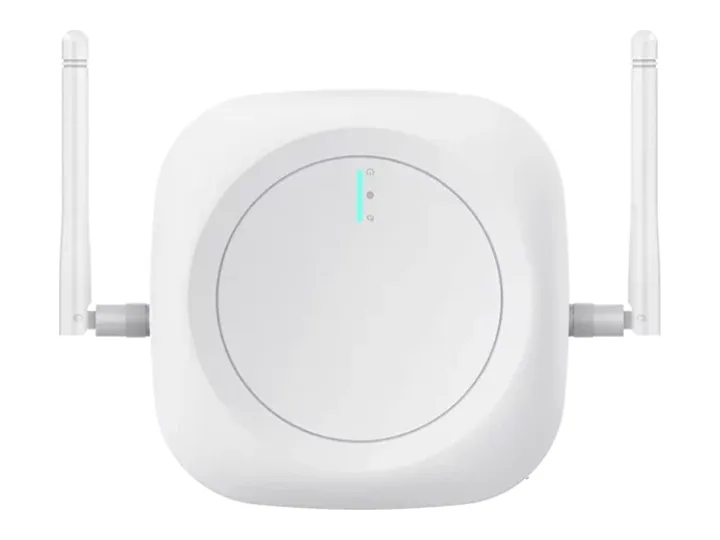
    On your Wi-Fi or Ethernet, it hears every sensor nearby.

  • Set up with you

    Each room's range, how long a door may stay open, and who hears first.

Running cold rooms with connected controllers? Explore on-site control

Before you start

What biomedical and pharmacy heads ask first.

Security and data
Who responds to an alert?

Your own people, in the order you set: the nurse in charge first, then the biomedical engineer or the next person you name if nobody acknowledges. What happens to the stock follows your hospital's procedures.

What happens when a fridge stops reporting?

It shows as not reporting and the responsible team is told, so a silent fridge doesn't pass for a safe one. Sense keeps its readings until a gateway is back in reach, and before we start we check each site's power and Wi-Fi.

Our plasma freezers run at −30 °C. Does it work there?

Yes. Freezers get the cold-rated Sense, made for temperatures down to −40 °C.

Can our existing loggers stay?

Where we can connect them, yes. We check each site before we start and fit our own sensors only where they're needed.

Where is our data?

Hosted on Microsoft Azure in the United States, kept apart from every other customer's, and exported to you on request.

What do we receive at the start?

Monitoring at the sites you start with: readings, incident records and scheduled reports. Then we review the results with you and you get a written rollout plan.

Where to start

Start with the equipment that needs your attention.

  1. 01
    Agree the scopeA thirty-minute call, followed by a written outline of the equipment, limits and recipients.
  2. 02
    Install and runOur team installs the solution and sets it up with you. Then we run it at the sites you start with.
  3. 03
    Review and roll outReview the readings and incidents together.

Then a written rollout plan and a monthly price per site.
Start with your sites

Sent straight to our team. We use your details only to reply. Privacy policy

Start with your sites

Tell us about your sites. We reply to set up a thirty-minute call, then send a written outline.

  1. A thirty-minute callYour sites, what goes wrong today, and who answers.
  2. A written outlineWhat we connect, what you already have that stays, and where we start.
  3. We start with those sitesOur team installs it, sets it up with you and runs it.
  4. Your results, on recordWhat it recorded, what it caught, and how fast each one was answered.
Prefer to talk now?
+91 90005 22411WhatsAppCall
Sent straight to our team. We use your details only to reply. Privacy policy

Book the scoping call.

Thirty minutes with a sales engineer, on what you run and what you need to see.

The product, the hardware you have already chosen, and what your customer pays for.

No slide deck, no obligation.

Or email [email protected] directly.